VRChat

What new features are included in the VRChat 2025.4.2 update?

1 min readvrchat 2025.4.2 update features

Summary

Q.What new features are included in the VRChat 2025.4.2 update?

A.VRChat 2025.4.2 (Open Beta) adds Group and Event sharing, a new Group Discovery flow, a Mutuals indicator, UI/shop improvements, several networking and avatar/item fixes, and a number of mobile-specific bug fixes and quality-of-life changes.

More info

The 2025.4.2 update (currently in Open Beta) focuses on social features and polish: it introduces Group and Event sharing (so you can share groups/events like emoji or via pedestals), a redesigned Group Discovery flow to help find interesting communities, and a new “Mutuals” indicator that shows when you have friends in common with other users. Other headline changes include UI improvements, VRC+ Gift Drop behavior tweaks, better handling of avatar/item load progress, and fixes to exploitative particle/physics interactions. See the official patch notes for the full list. official patch notes

Beyond those main features, the patch brings many practical fixes and mobile improvements: shop items now properly show VRC+ discount logos, UI themes transition on hover, the /avatar/change OSC endpoint was fixed to support recently used/purchased avatars, and items in-progress now display load progress like avatars do. Mobile-specific fixes address gallery image scaling, home-feed blanking, portal tapping, and account creation with Google. The release also includes networking and UI shader improvements and a debug UI overhaul referenced in the community roadmap. For details and known issues (including some connecting/loading problems noted in Open Beta), consult the linked patch notes and roadmap. Creators Roadmap
More questions about VRChat

Q.How do I log in to VRChat?

A.Launch VRChat on the device you use (PC, Quest/Pico, mobile or web), then sign in using a VRChat account (email + password) or with a platform account (Steam, Meta/Quest, Pico, Viveport, Google). You can create a VRChat account on the official site and verify your email, or link/merge a platform account from inside the app for one‑click logins.

VRChatvrchat login

Q.What is the VRChat Home feature?

A.VRChat Home is the default personal starting world you spawn into in VRChat — a private, customizable hub for adjusting settings, previewing avatars, and launching into other worlds.

VRChatvrchat home

Q.How do I get new avatars in VRChat?

A.Use the Avatars menu to browse the in‑game Avatar Marketplace, visit avatar worlds or clone other players, or import/upload custom avatars using the Creator tools (Unity/Creator Companion + VRChat SDK).

VRChatvrchat avatars
VRChatvrchat age verification

Q.Is there a way to search for specific avatars in VRChat?

A.Yes — you can search for avatars in VRChat using the in-game Avatars tab (including the Avatar Marketplace) and by visiting community avatar-search worlds or external index sites that catalog avatars.

VRChatvrchat avatar search
Back to all FAQs

Built with Ship Games

Go Ape Ship!

Go Ape Ship!

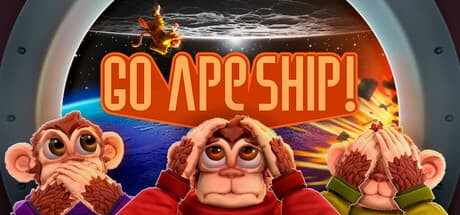
Go Ape Ship! is a frantic co-op multiplayer game for one to eight players. Work with your crew of daring Astrochimps to master an expanding collection of tasks, respond to emergencies, unlock new rooms and upgrades for your spaceship, and safely reach the stars. Survive together. Or not at all.

Namto (Ñamto)

Namto (Ñamto)

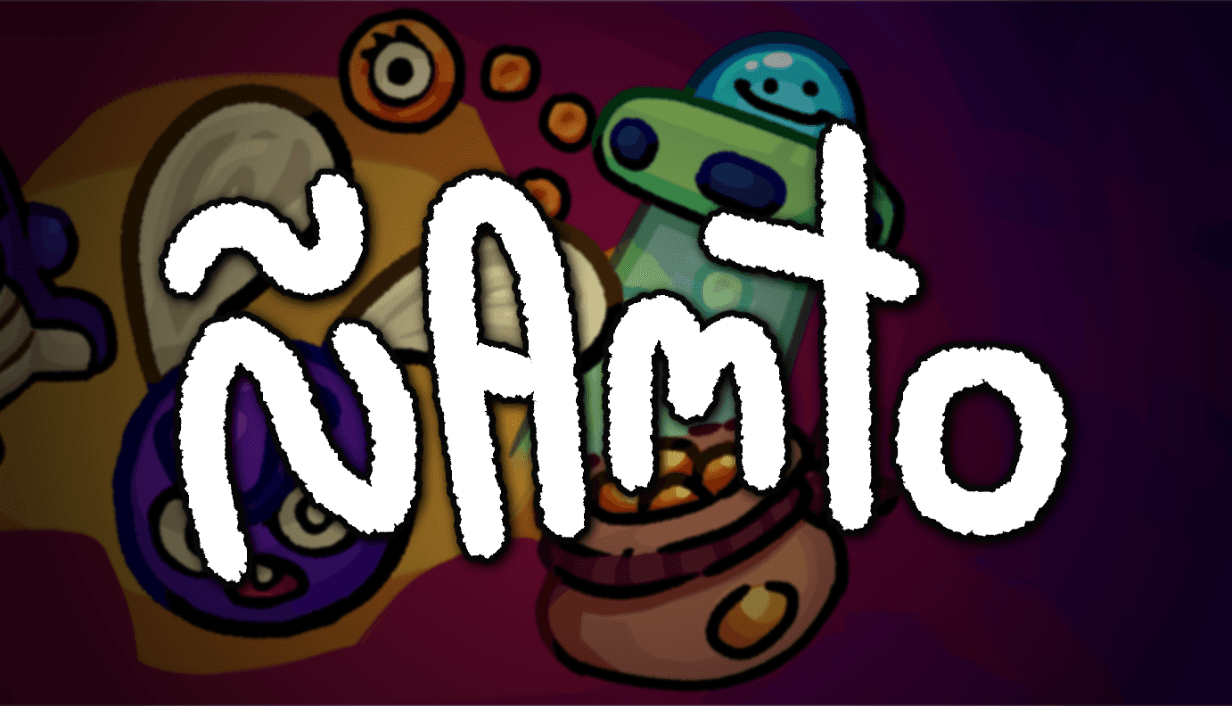
A physics-based, clickerish & toyboxy game about making stuff; lots of stuff. Unlock toys, discover secret interactions and produce vast amounts of the same thing!

Stoneseeker

Stoneseeker

Descend a procedurally generated dungeon in this first-person RPG, with the soul of an immersive-sim.

Initial Delivery

Initial Delivery

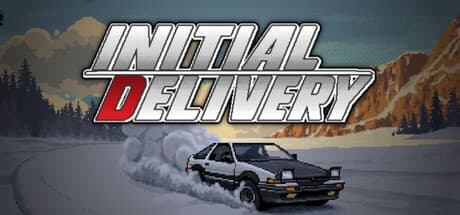
DRIVER WANTED: Requirements: - Team player - Willing to work odd hours - Must possess a valid drivers license (optional) Salary: 500 yen / hour (Preference will be given to applicants without a criminal record)