VRChat

Can I play VRChat on my mobile device?

1 min readvrchat mobile

Summary

Q.Can I play VRChat on my mobile device?

A.Yes — VRChat has an official mobile app for iOS and Android (released October 2025). Most modern phones can run it, but it requires iOS 17 / Android 10 and at least 6GB of RAM for the full experience; lower‑RAM devices may be limited to the Companion features or unable to install.

More info

Yes — VRChat is available as a native mobile app on both iOS and Android, so you can play on a phone or tablet without a PC or VR headset. The studio announced the full mobile launch in October 2025 and the app is listed on the App Store and Google Play; however, mobile has minimum OS and memory requirements and some features (like full VR tracking) remain tied to headsets. (hello.vrchat.com)

For best results, use a device that meets these requirements: - iOS 17.0 or later (iPhone/iPad) — devices with less than 6GB RAM are limited to Companion features. - Android 10 or later — devices with under 6GB RAM may be unable to install. Mobile VRChat supports flatscreen play, crossplay with PC/VR users, and the Companion tools for friends and invites, but expect lower graphical fidelity and limited full‑body/finger tracking compared with headset play. For details and device guidance see the official mobile announcement and the VRChat getting started notes. (roadtovr.com)
More questions about VRChat

Q.How do I log in to VRChat?

A.Launch VRChat on the device you use (PC, Quest/Pico, mobile or web), then sign in using a VRChat account (email + password) or with a platform account (Steam, Meta/Quest, Pico, Viveport, Google). You can create a VRChat account on the official site and verify your email, or link/merge a platform account from inside the app for one‑click logins.

VRChatvrchat login

Q.What is the VRChat Home feature?

A.VRChat Home is the default personal starting world you spawn into in VRChat — a private, customizable hub for adjusting settings, previewing avatars, and launching into other worlds.

VRChatvrchat home

Q.How do I get new avatars in VRChat?

A.Use the Avatars menu to browse the in‑game Avatar Marketplace, visit avatar worlds or clone other players, or import/upload custom avatars using the Creator tools (Unity/Creator Companion + VRChat SDK).

VRChatvrchat avatars
VRChatvrchat age verification

Q.Is there a way to search for specific avatars in VRChat?

A.Yes — you can search for avatars in VRChat using the in-game Avatars tab (including the Avatar Marketplace) and by visiting community avatar-search worlds or external index sites that catalog avatars.

VRChatvrchat avatar search
Back to all FAQs

Built with Ship Games

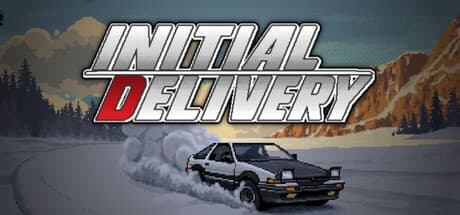
Initial Delivery

Initial Delivery

DRIVER WANTED: Requirements: - Team player - Willing to work odd hours - Must possess a valid drivers license (optional) Salary: 500 yen / hour (Preference will be given to applicants without a criminal record)

Stoneseeker

Stoneseeker

Descend a procedurally generated dungeon in this first-person RPG, with the soul of an immersive-sim.

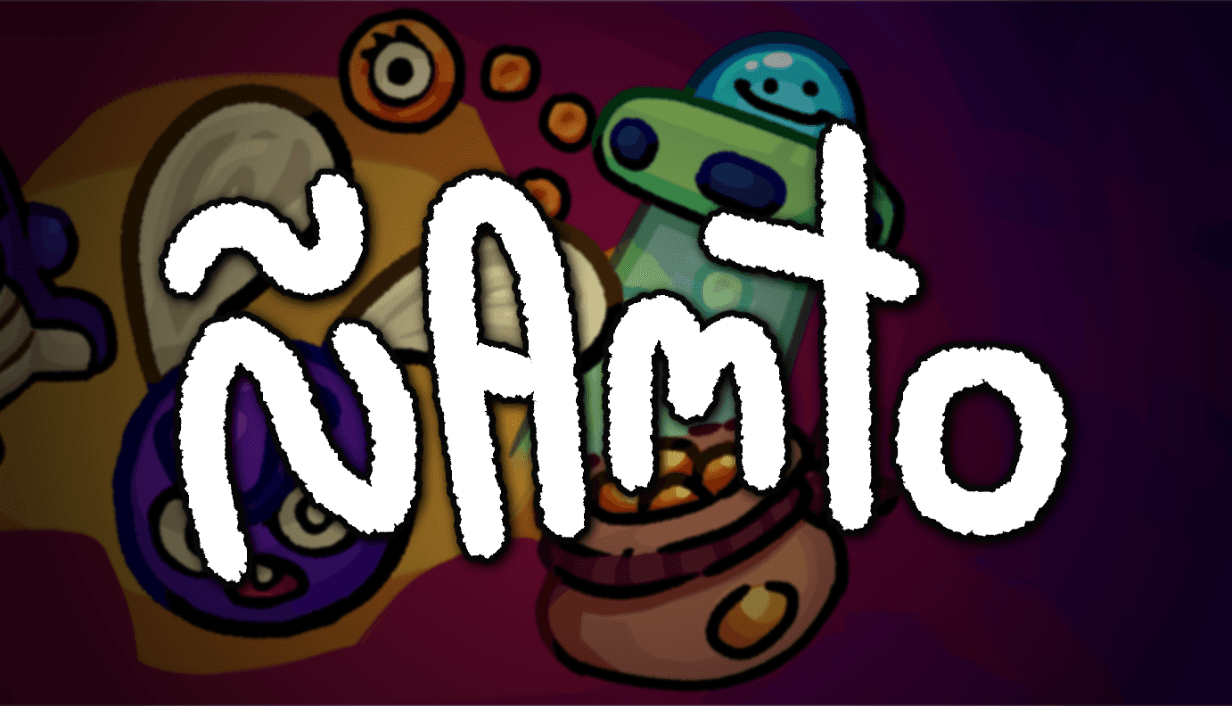
Namto (Ñamto)

Namto (Ñamto)

A physics-based, clickerish & toyboxy game about making stuff; lots of stuff. Unlock toys, discover secret interactions and produce vast amounts of the same thing!

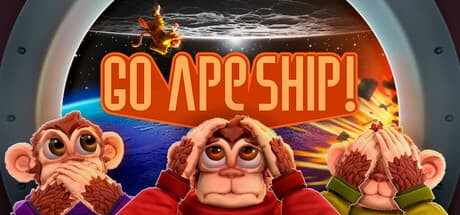
Go Ape Ship!

Go Ape Ship!

Go Ape Ship! is a frantic co-op multiplayer game for one to eight players. Work with your crew of daring Astrochimps to master an expanding collection of tasks, respond to emergencies, unlock new rooms and upgrades for your spaceship, and safely reach the stars. Survive together. Or not at all.